Lesson 7 of 9 in How Google and AI assistants find a business · Module 3
Allow or block AI crawlers with robots.txt

Beginner4 minChecked on November 20, 2026
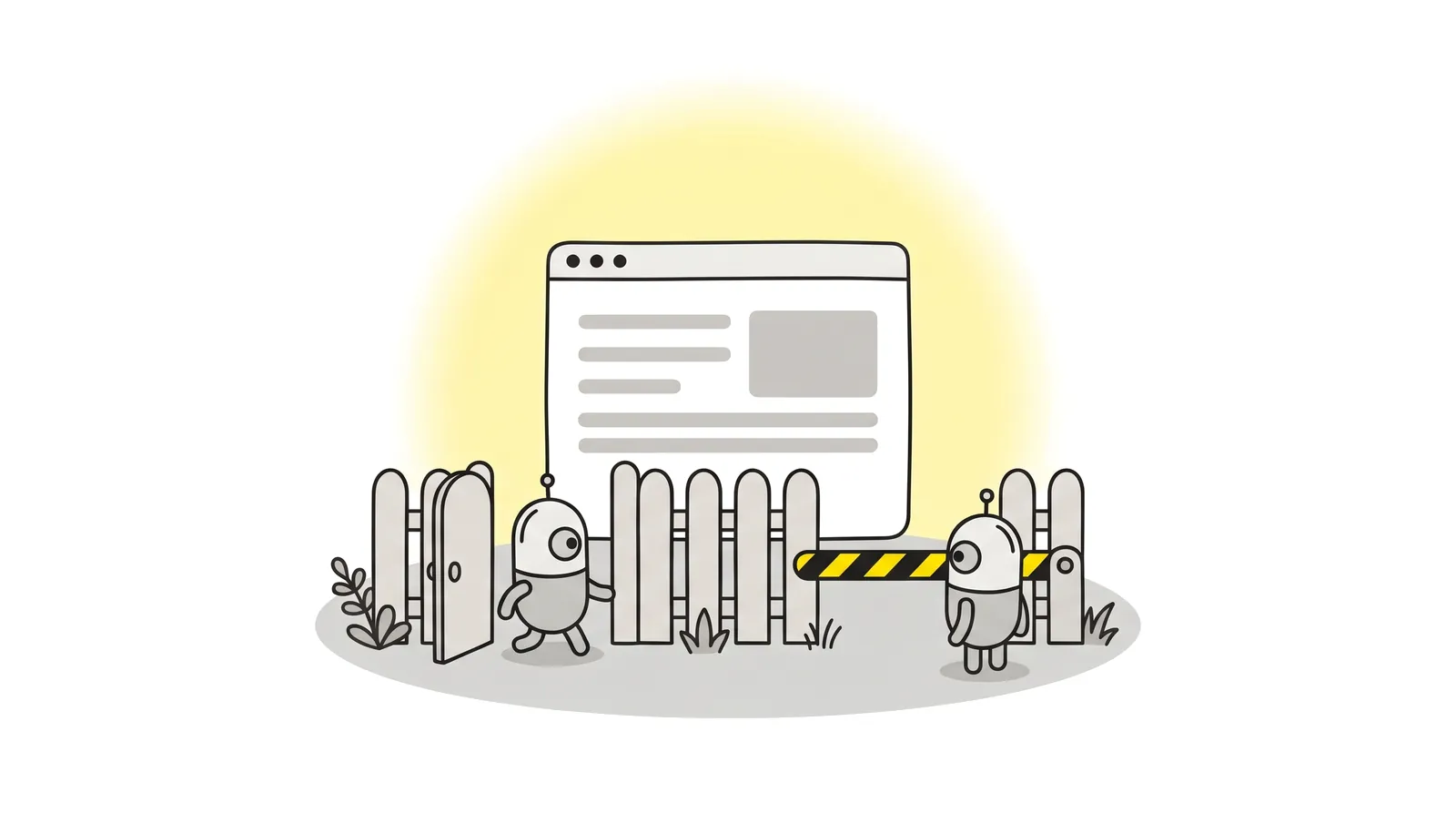
A robots.txt file tells crawlers, Google's and those of AI companies alike, which URLs of a site they may access. A business can use it to block one AI crawler and leave the others alone. It has two limits. Its rules are only a request, and it does not keep a page out of Google's results.
Each crawler reads only the group that names it
The file always sits at the same address: the site's root followed by /robots.txt, all in lowercase. Inside, it is a list of groups. A group starts with one or more user-agent lines, continues with its rules, and ends at the next user-agent line or at the end of the file.
The Robots Exclusion Protocol standard, RFC 9309, sets how crawlers read it. Each crawler looks for the group that carries its own name, called its product token, and obeys that group's rules. A crawler with no group of its own obeys the group whose user-agent line is *. If the file has no such group, no rules apply to that crawler. A URL that no rule matches is allowed.
Blocking one crawler leaves the others untouched
Anthropic publishes the group that blocks its crawler ClaudeBot from an entire site:
User-agent: ClaudeBot
Disallow: /
The group has to be repeated for every subdomain the owner wants to opt out.
Nothing in this group concerns Googlebot, OAI-SearchBot or Anthropic's two other robots, since each reads only its own group, or the * group when it has none. Which names control AI training and which control search answers is the subject of crawling for AI training versus crawling for answers.
A Disallow group does not stop every AI robot, though. Fetchers that visit a page because someone asked an assistant a question may not obey it: robots.txt rules may not apply to OpenAI's ChatGPT-User, and Perplexity-User generally ignores them. Anthropic says its robots honor the directives in robots.txt.
What robots.txt cannot do
The rules are a request. RFC 9309 calls them rules that crawlers "are requested to honor" and says they are not a form of access authorization. Googlebot and other respectable crawlers obey them, and other crawlers might not. Listing a path in the file even makes that path public, so private files need real protection, such as a password on the server.
A Disallow line does not keep a page out of Google either. Google won't crawl the blocked content, but it can still find and index the URL when other pages link to it, and list it in results without a description. Three methods keep a page out of Google's results: a noindex rule in the page's meta tag or response header, password protection, or removing the page. Combining several crawling and indexing rules might make some of them cancel out others.
Infrastructure can block crawlers too. A content delivery network (CDN) sits between the server where a site lives and its visitors. Crawlers a site wants can end up on the CDN's blocklist, typically in its web application firewall (WAF). They can then no longer reach the site, which may keep it out of search results, AI Overviews and AI Mode included. For Google's crawlers, the easiest check is Search Console's URL Inspection tool. If its rendered image of a page shows an empty page, an error or a bot challenge, talk to your CDN provider.
Zaatar's weekly SEO audit checks your robots.txt for you, including whether it blocks AI crawlers.
Do it on your site
- Open your site's root address followed by
/robots.txtin a browser, and note which crawlers have a group of their own and whether a*group exists. - For each AI crawler you want to keep out, ask whoever runs your site to add a group with its name and
Disallow: /, as in Anthropic's example, without changing the other groups. Keep in mind that ChatGPT-User and Perplexity-User may not obey it. - On a content management system (CMS) such as Wix or Blogger, look for a search settings page instead of editing robots.txt.
- List the pages that must never appear in Google, and protect each one with noindex or a password instead of a Disallow line.
- Open an important page in Search Console's URL Inspection tool and look at its rendered image. If it reveals a block, ask your host or CDN provider to let the crawlers you allow through.
Sources
Every fact in this lesson comes from these pages, read on the date shown.
- Robots.txt Introduction and Guide, Google Search Central, read on November 19, 2026
- RFC 9309: Robots Exclusion Protocol, IETF, read on November 19, 2026
- Does Anthropic crawl data from the web, and how can site owners block the crawler?, Anthropic, read on November 19, 2026
- Overview of OpenAI Crawlers, OpenAI, read on November 19, 2026
- AI Features and Your Website, Google Search Central, read on November 19, 2026
- Perplexity Crawlers, Perplexity, read on November 19, 2026
- Crawling December: CDNs and crawling, Google Search Central Blog, read on November 19, 2026
Zaatar does this work on your site
It finds the searches your buyers make, writes the articles, prepares the technical fixes and tracks the results. Nothing goes live without your approval.
Automate my SEO