Published in Guides · 7 min read
How to compare AI SEO tools for audits, articles and technical fixes

Olivier DumasFounder of Zaatar
On this page
AI SEO tools automate the parts of SEO that take time every week: audits, keyword research, article writing, technical fixes and rank tracking. The right tool for one site prepares changes for human approval and explains what it changed, rather than publishing without oversight.
A website owner can match a tool to the work their site needs by walking through each step of the workflow.
What AI SEO tools do across the workflow
AI SEO tools apply machine learning to the repetitive parts of search work: grouping keywords, drafting outlines, summarizing SERP data and flagging technical errors. They sit across five steps of a normal SEO workflow: audit, strategy, content, technical and reporting. At the audit step they crawl pages and surface errors. At the strategy step they cluster search terms around user intent and suggest where a site can realistically rank. At the content step they draft articles, meta titles and descriptions. At the technical step they flag canonical, robots and schema problems. At the reporting step they track positions over time.
A general chatbot cannot see real search volumes unless it is connected to a data source, so a tool that feeds its own data into the model is more useful than a chat window alone. A free AI assistant given a Search Console export can group keywords and write drafts and scripts, but only once it has the data. The automation is real, and so is the boundary: the model works with what it is given.
How to map your SEO workflow before choosing a tool
Map your process first, then look for a tool. The standard workflow runs audit, strategy, content, technical, then reporting. Most sites already do each step in some form, even if the form is a saved spreadsheet and a monthly check. Identifying your bottlenecks before you shop keeps you from paying for features you will not use.
Look at where the hours go. A tool that saves 10 hours a month on content briefs is worth more than one that shaves 30 minutes off rank checking, if content briefs are your actual bottleneck. The same logic applies to technical fixes. If your site accumulates broken canonicals and missing schema faster than you can clear them, an audit that prepares those fixes counts for more than a rank tracker with extra charts. Write down each step and the person who owns it now. The list is the tool's job description.
Every category needs human judgment somewhere. Strategy calls still need a person who knows the business. Content still needs fact-checking. Technical changes still need approval before they go live. When you compare tools, count the oversight time the tool adds, not just the hours it removes. A tool that drafts articles but cannot send them through review saves less time than it looks like it does. Budget the human layer into the return.
Which SEO tasks are safe to delegate to AI and which need human oversight
AI SEO tools are strongest at structured, checkable tasks: clustering, summarizing data, drafting metadata, writing regex and building outlines. These are jobs with a clear right answer or a clear format, and a model can produce a first draft a person then reviews. They are weakest at facts, numbers, first-hand experience and strategic judgment. A model can draft a meta description in seconds. It cannot tell you whether a claim about your own product is true.
Strategy is a human task. Fact-checking is a human task. Final edits are a human task. Google's guidance states that generative AI can help with research and structure, but all AI-generated content must be fact-checked, and producing many pages without adding value can breach its scaled content abuse policy. The policy targets low-value, mass-produced pages. A human who reviews every article for accuracy and usefulness keeps the work on the right side of that line.
Pick tools by the job they replace, not by the AI label. A content tool that drafts articles is one job. A technical tool that flags and prepares fixes is another. A tool that tries to do both may do neither well. A human expert should own the strategy, the fact-checking and the final edits.
AI SEO tools compared by job and tradeoff
Different tools serve different jobs. The tradeoffs below come from a comparison of AI SEO tools matched to team roles and needs.
Surfer SEO fits an editor improving existing pages. Its main job is content optimization, and the tradeoff is that you still need a publishing process around it. It scores content against live SERP data but does not prepare technical fixes or deliver pull requests. Frase fits a writer building briefs and drafts. Its job is the research and content workflow, and it is not a full technical SEO suite. It generates content briefs and drafts but leaves indexation, canonicals and schema to other tools. Scalenut fits a team planning topic clusters. Its job is content planning and production, and the broad workflow takes setup and oversight. It builds cluster plans and drafts articles but does not prepare technical changes for human approval.
Search Atlas fits an SEO team that wants execution tools. Its job covers research, audits and automation, and it is more platform than a casual blogger needs. It runs site audits and automates tasks but does not deliver fixes as pull requests. SE Ranking fits a team measuring search performance. Its job is rank tracking and research, and content production needs its own workflow. It tracks daily positions and runs technical audits but does not write or publish articles. Writesonic fits a team combining content and AI search. Its job is writing and AI visibility, and the wide feature set may be excessive for a simple blog. It drafts articles optimized for AI assistants but does not prepare canonical or schema fixes.
NeuronWriter fits a writer optimizing articles. Its job is SERP-informed editing, and it does not replace an end-to-end publishing operation. It scores drafts against competing pages but stops at the content step. Koala Writer fits a solo operator producing drafts. Its job is fast article creation, and research and measurement are separate jobs. It writes articles from a keyword but does not audit the site or track positions. Each tool has a main tradeoff. None covers the full workflow from audit to approved fix on its own.
Which free SEO tools are enough to start
Search Console, Data Studio, the free version of an AI assistant and the free version of Screaming Frog are enough to start. Each tool has a different role in the stack. Search Console shows clicks, impressions and queries from Google. Data Studio, with the Search Console connector, pulls this data without the 1,000-row limit that Search Console's own export imposes. A free AI assistant groups keywords, writes drafts and writes scripts, if you give it the data. The free version of Screaming Frog crawls up to 500 URLs, which is enough for a small site.
The free AI assistant does not know your Search Console data. It gives the most when it receives an export from you and a request for a script that calculates the result. Paid tools for keywords and links are worth adding only when you know what question they are supposed to answer. A free stack gets a small site started. A paid tool earns its place when it answers a question the free stack cannot.
A checklist for comparing AI SEO tools that prepare changes for human approval
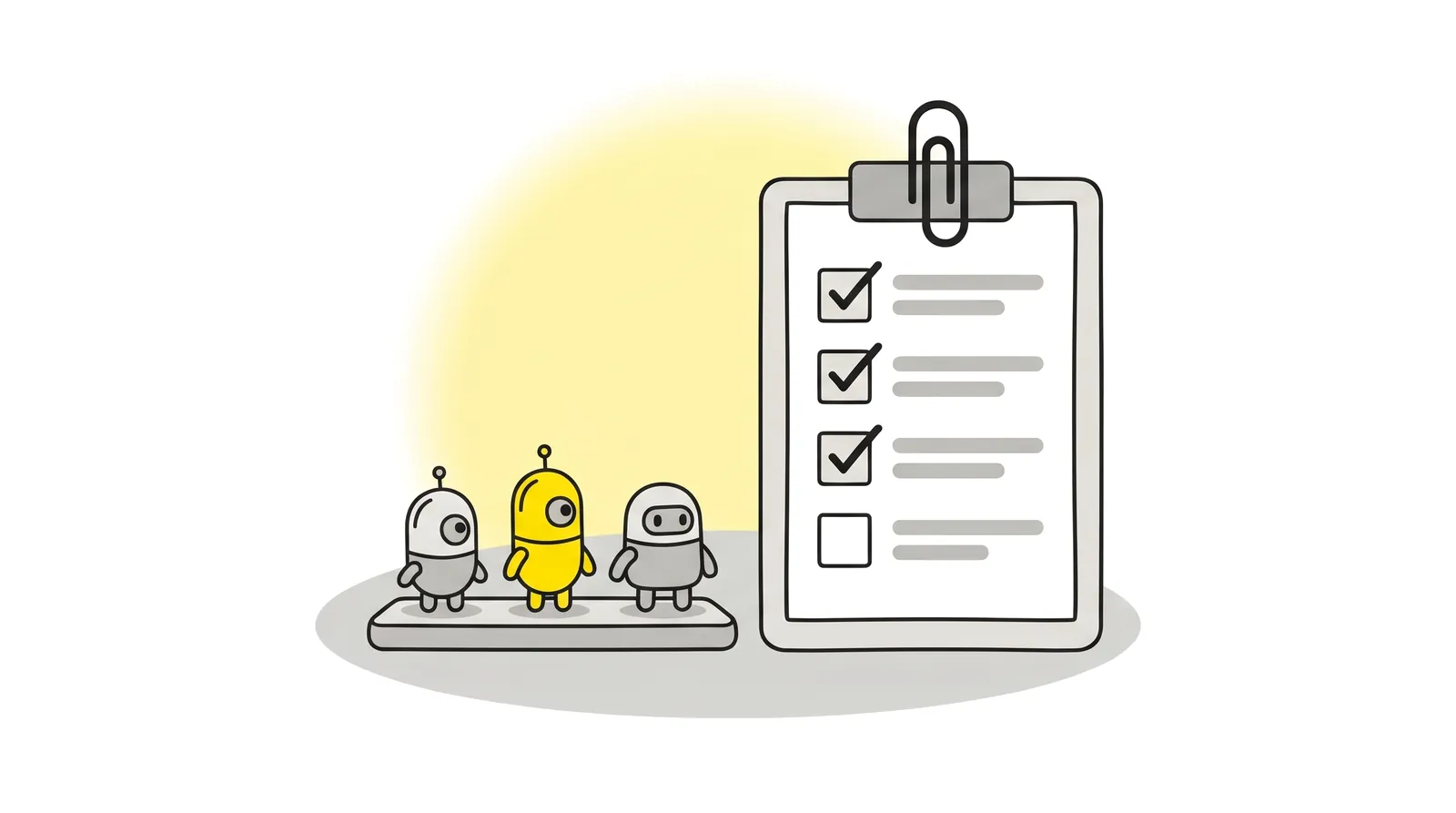
A tool that prepares changes for human approval is safer than one that publishes on its own. The checklist below covers what to look for across the workflow.
Does it run a weekly audit?
A complete audit every week surfaces new errors before they settle. The tool should list what it found and what it plans to fix.
Does it prepare technical fixes for approval?
Indexation fixes, canonicals, robots rules and sitemaps should be prepared, not applied without a check. Core Web Vitals tracking, including LCP, INP and CLS, should run with the audit so a fix is tied to a measured metric.
Does it deliver fixes as pull requests or CMS changes?
Some tools prepare pull requests for your repository. Others change titles, descriptions and schema in your CMS once approved. Some do both. The choice depends on where your site lives.
Does it check schema and meta tags?
Schema and meta tags should be checked every week. The tool should flag what is missing and prepare the corrected markup for a person to accept.
Does it track positions?
Google positions should be tracked daily, not monthly. Rank tracking tells you whether the fixes and the articles worked.
Does it write articles to rank and to be quoted?
Articles should be written to rank on Google and to be mentioned by AI assistants like ChatGPT, Gemini and Claude. A tool that tracks both gives you a fuller picture of where your traffic comes from.
Does it keep a human in the loop?
The tool should never publish, merge or change anything automatically. A person approves every change. That includes article publication, schema updates and canonical fixes.
Zaatar fits this shape. Every plan includes a complete SEO audit every week with fixes ready. Core Web Vitals are tracked. Google positions are tracked daily. Indexation fixes for canonicals, robots and sitemaps are prepared. Schema and meta tags are checked every week. Technical fixes are delivered as pull requests for your repository or as CMS changes you approve. Plans can be cancelled at any time. The same work runs on every plan; only site size changes the price.